Read your way
CoolReader
Read with the fonts and page layout you prefer.
Read the way you like
CoolReader is a free reading app for EPUB, FB2 and other supported formats. It works alongside the built-in PocketBook reader, so you can choose which app opens each book.
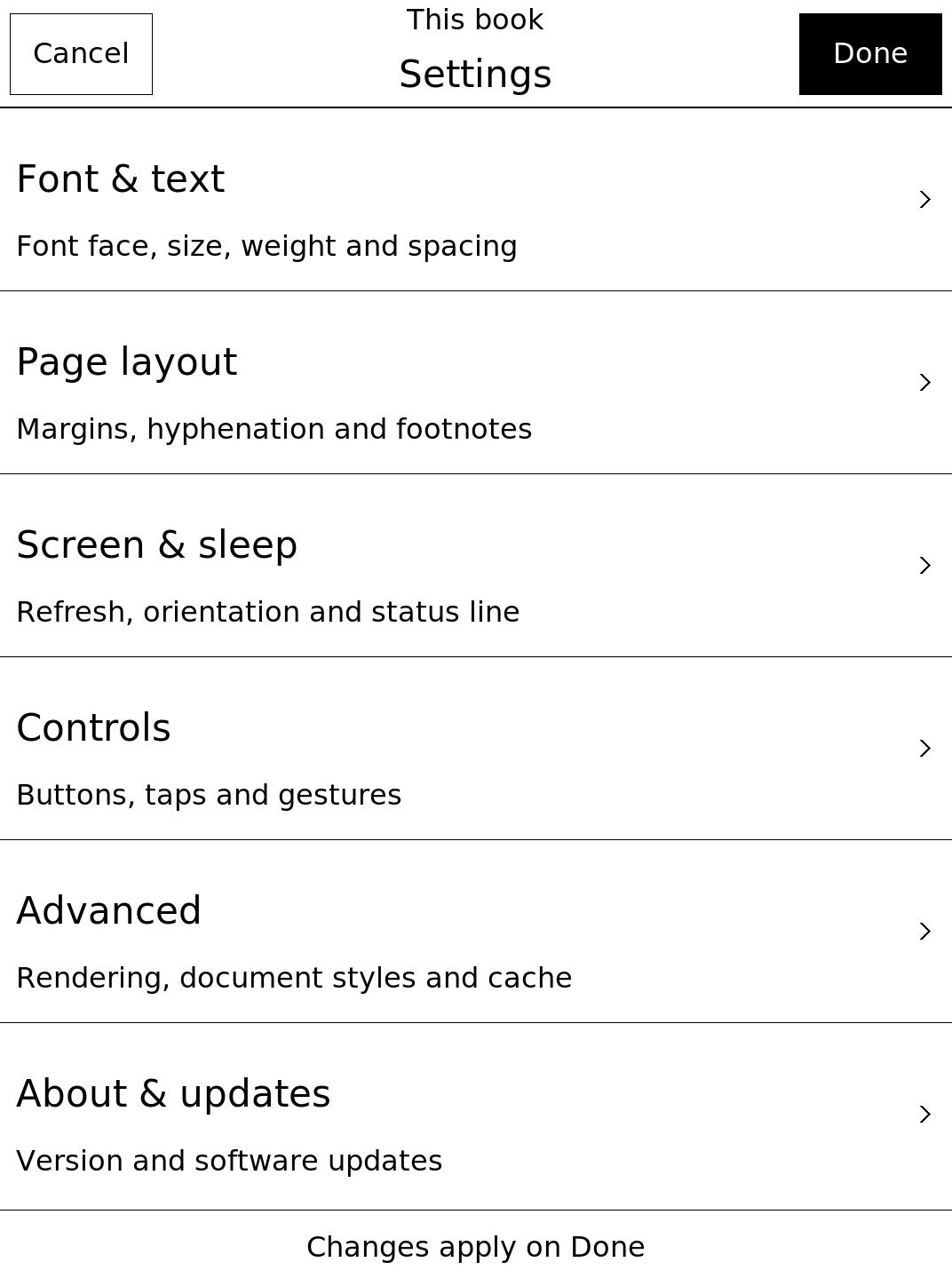
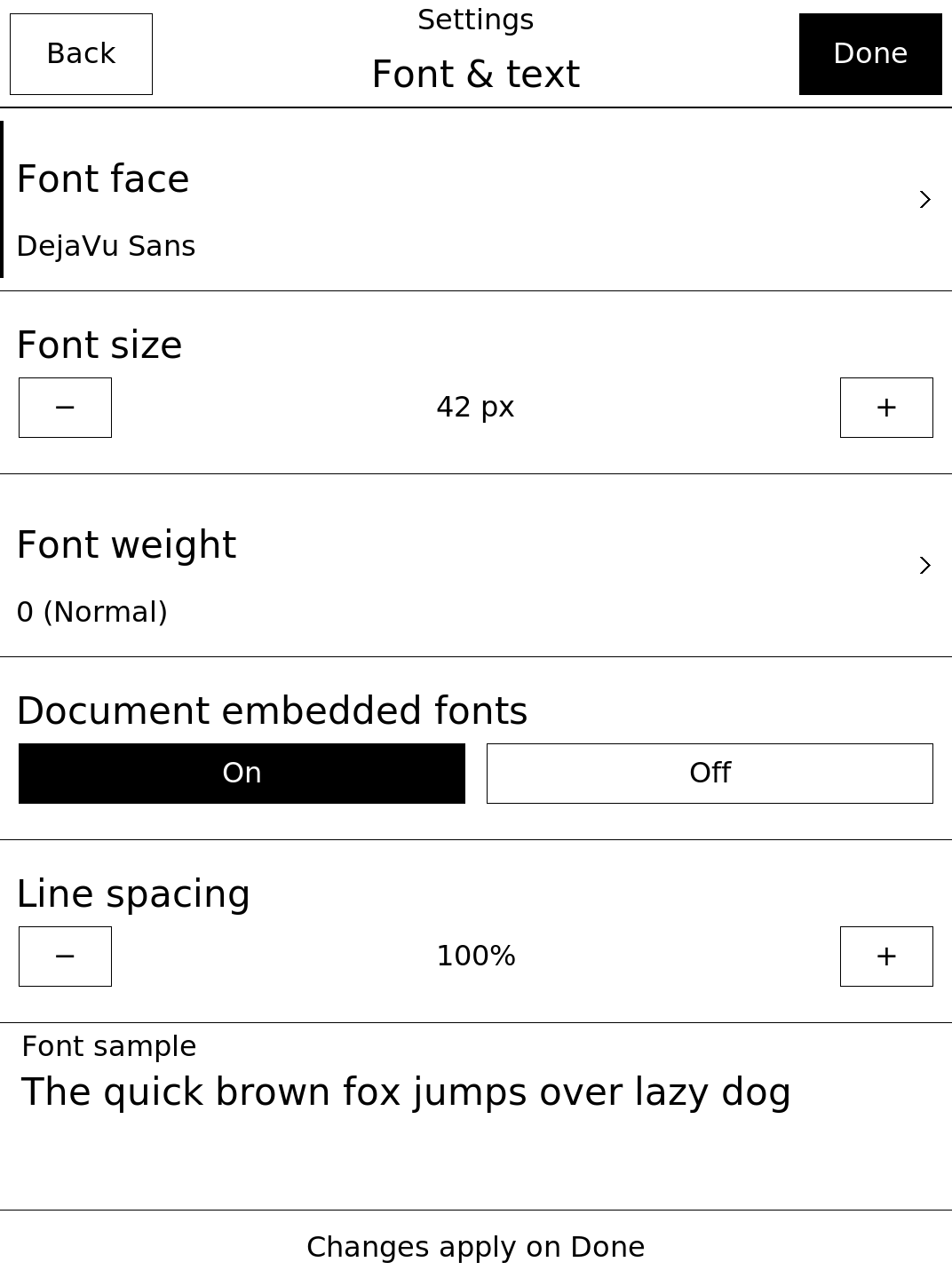
Choose a comfortable font and page layout, jump between chapters, save bookmarks and passages, search the text or look up words in a dictionary.
A look at the app
Rendered interface previews, not device photographs. Labels are shown in English; values are examples.
Help and source code
For a problem with reading or the app, start with troubleshooting or report an issue. Include your model, firmware and what happened.
Source code on GitHub · Based on PocketBook CoolReader.